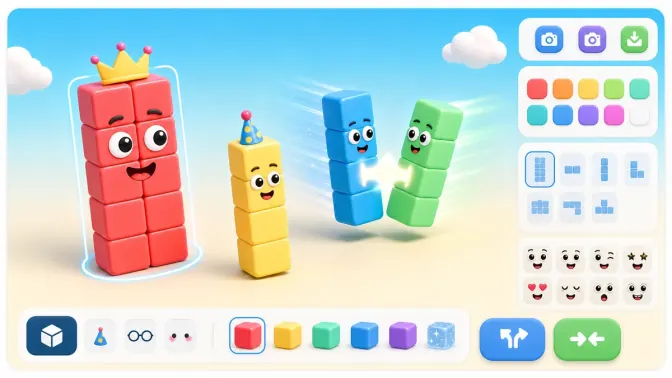
Main Numberblocks Generator
Build custom Numberblocks
Start here to build custom Numberblocks in the main generator. It runs on this site, loads in the browser, and is the best first stop for a new visit.
Free online playground
Play Numberblocks Generator online free in a simple playground. Build custom Numberblocks, then switch to Classic NBB, Websim, Scratch, or 1 to Infinity when you want another version.
Rotate your device for a better play experience.
Build First, Switch Versions Anytime
Build custom Numberblocks
Start here to build custom Numberblocks in the main generator. It runs on this site, loads in the browser, and is the best first stop for a new visit.
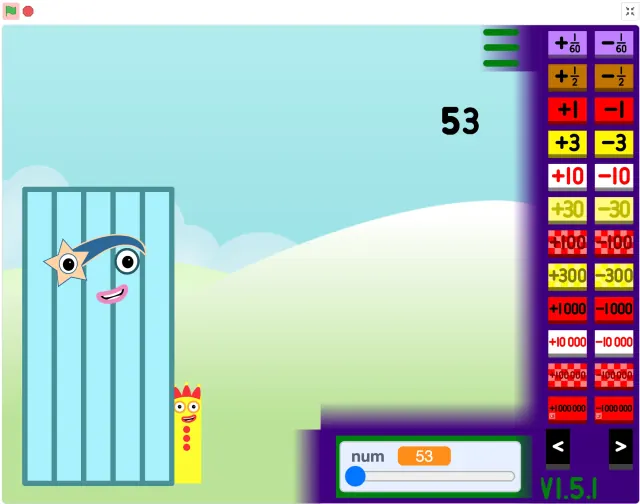
Play the classic fan-made version
Use Classic NBB when you want the classic fan-made TurboWarp version. It is a good switch when you want the original NBB-style player instead of the main generator.
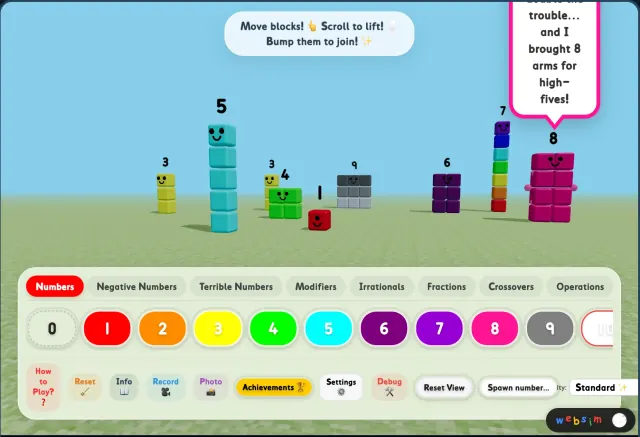
Try the sandbox playground
Open Websim to drag blocks, merge numbers, spawn villains, and chase achievements in a sandbox playground.
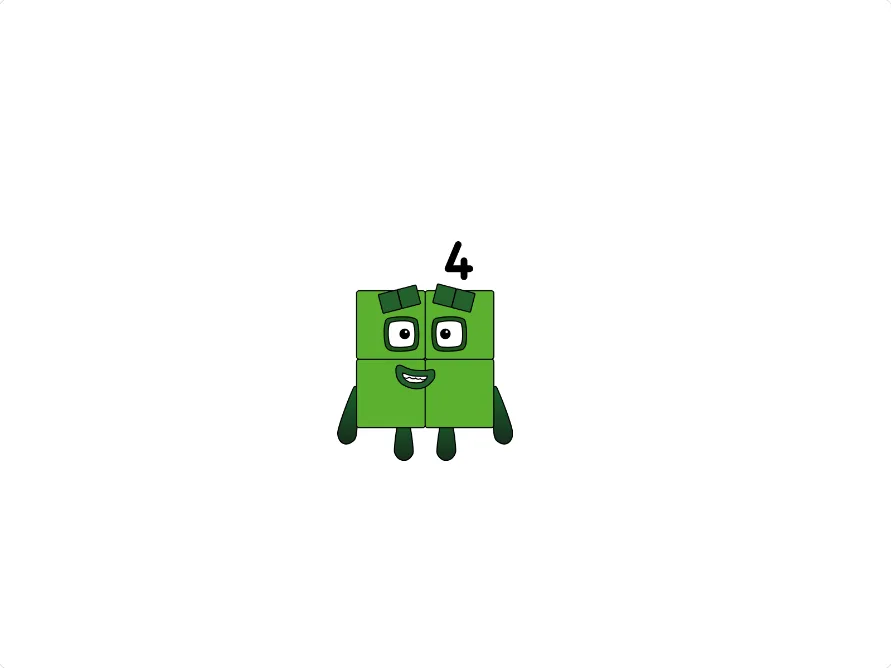
Explore bigger numbers
Use this version when the normal generator feels too small and you want larger values or bigger number patterns.
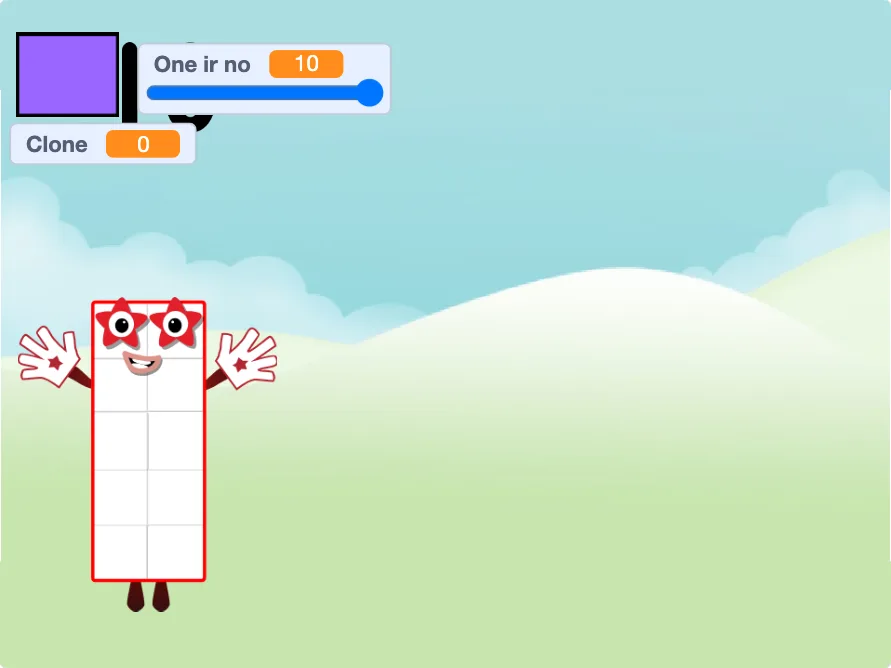
Open a Scratch-style project
Use Scratch when you want the Scratch project path. Play in the faster browser player first, then open Scratch for notes or remix details.
Compare Versions
| Version | Best For | Features |
|---|---|---|
| Main Generator | Build custom Numberblocks | Site-hosted builder |
| Classic NBB | Classic fan-made play | TurboWarp player |
| 1 to Infinity | Huge numbers | Advanced generation |
| Scratch | Community style | Scratch-style project |
| Websim | Sandbox playground | Merge, villains, achievements |
How to Play
Press the project start control, enter or choose a number, then test a few small values before trying bigger ones.
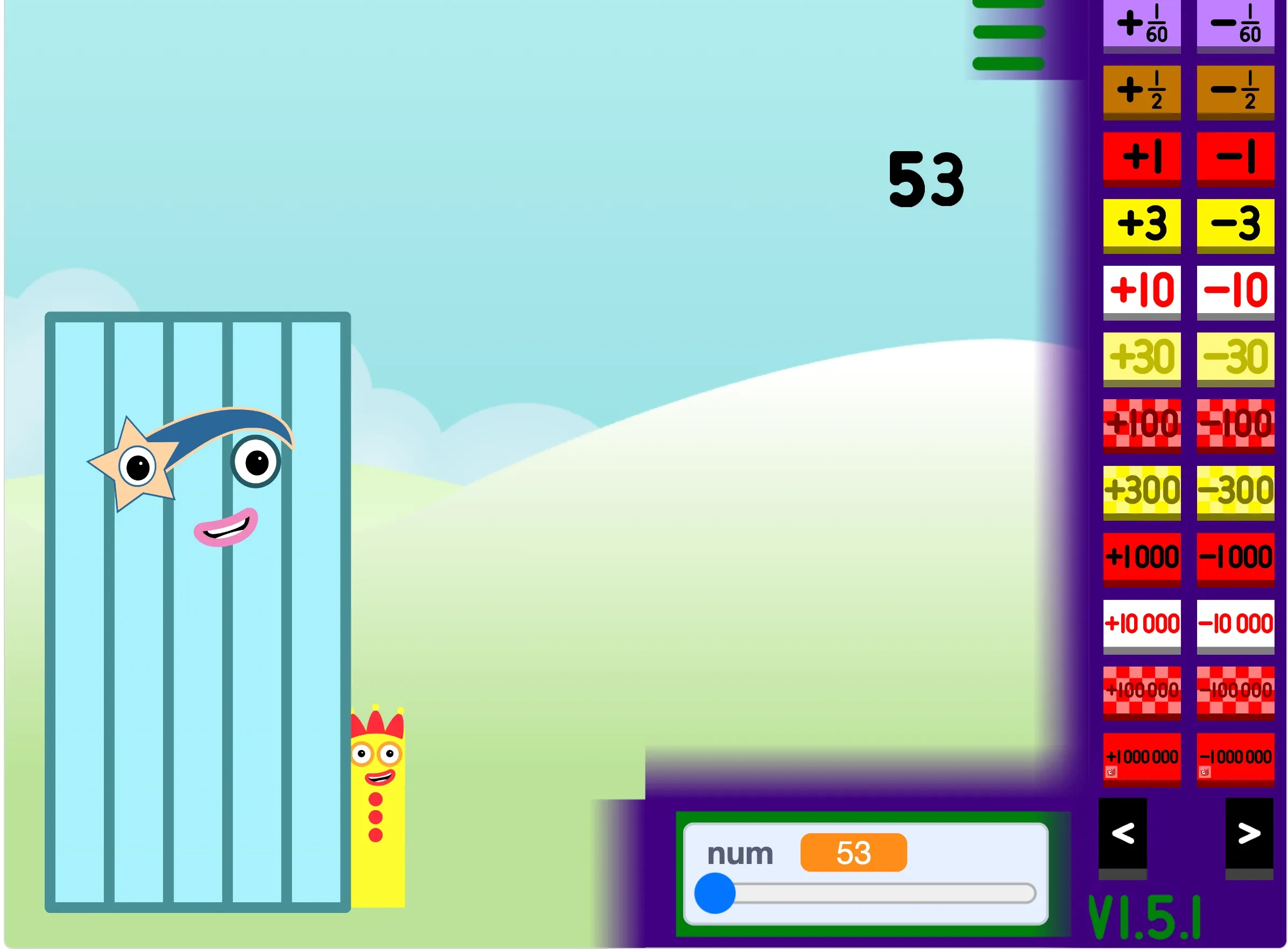
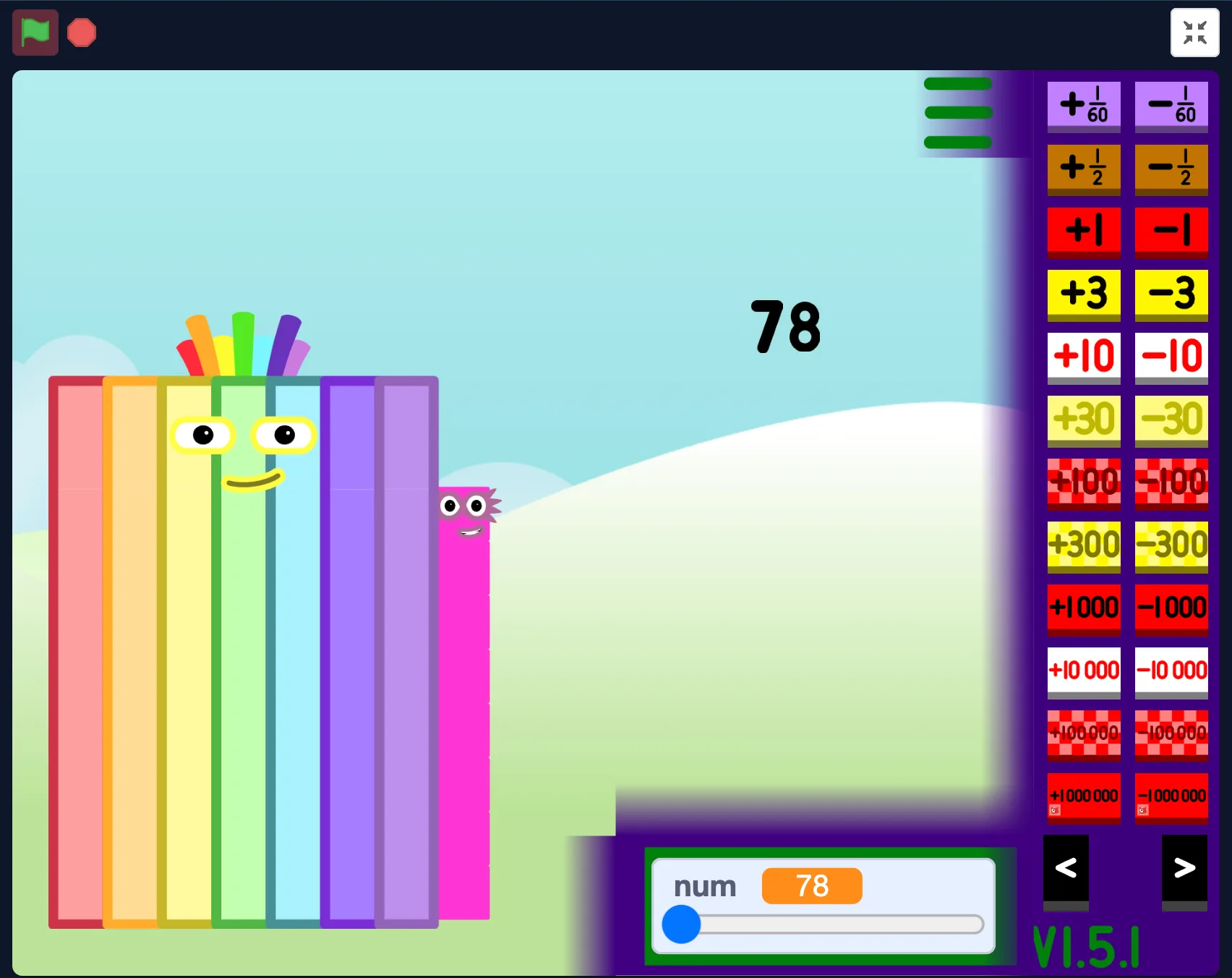
Use the visible in-game controls to change the generated block. If the controls feel tight, switch to fullscreen.
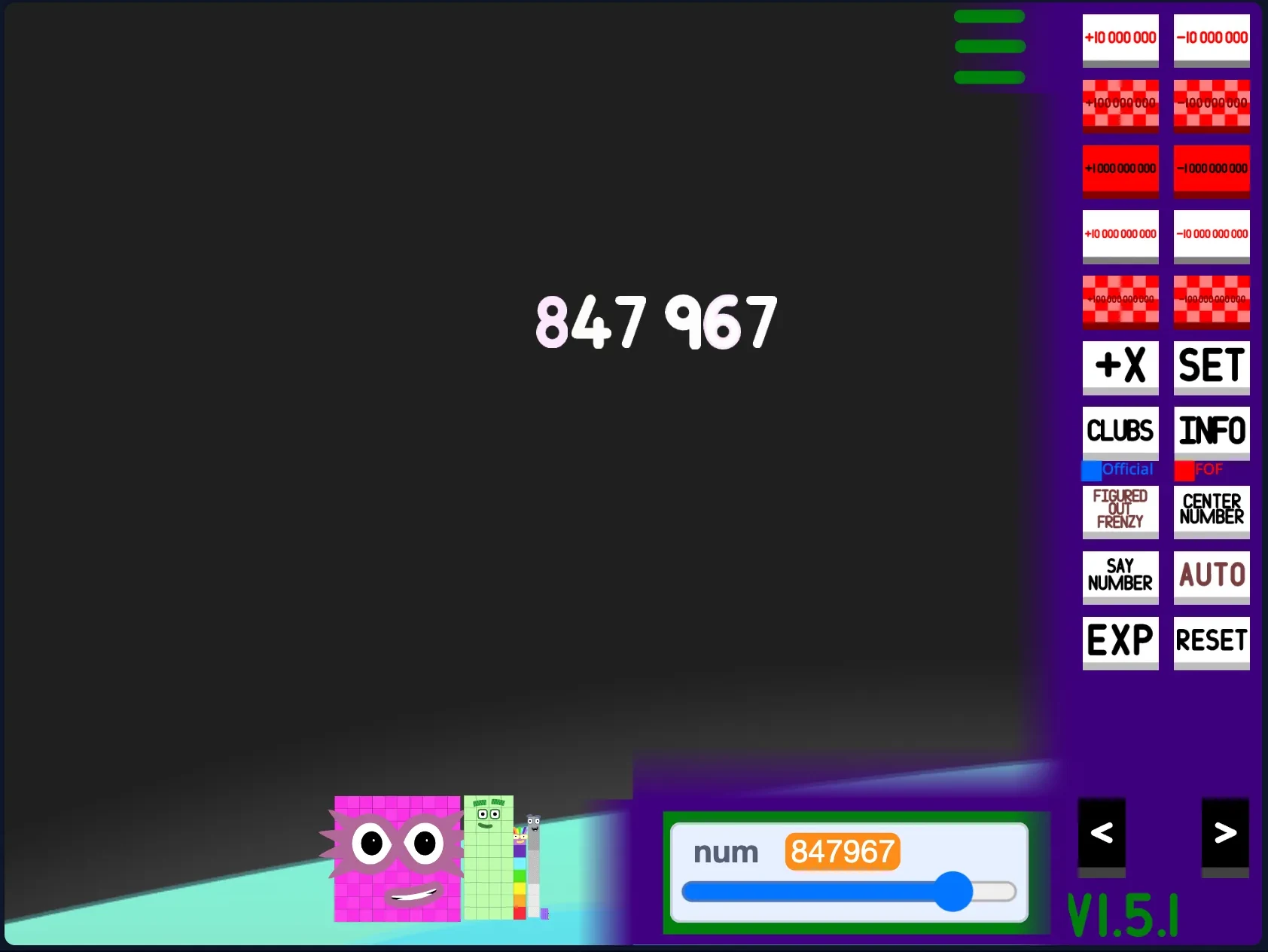
Use Open Fullscreen near the player or open the dedicated site player for the selected version.
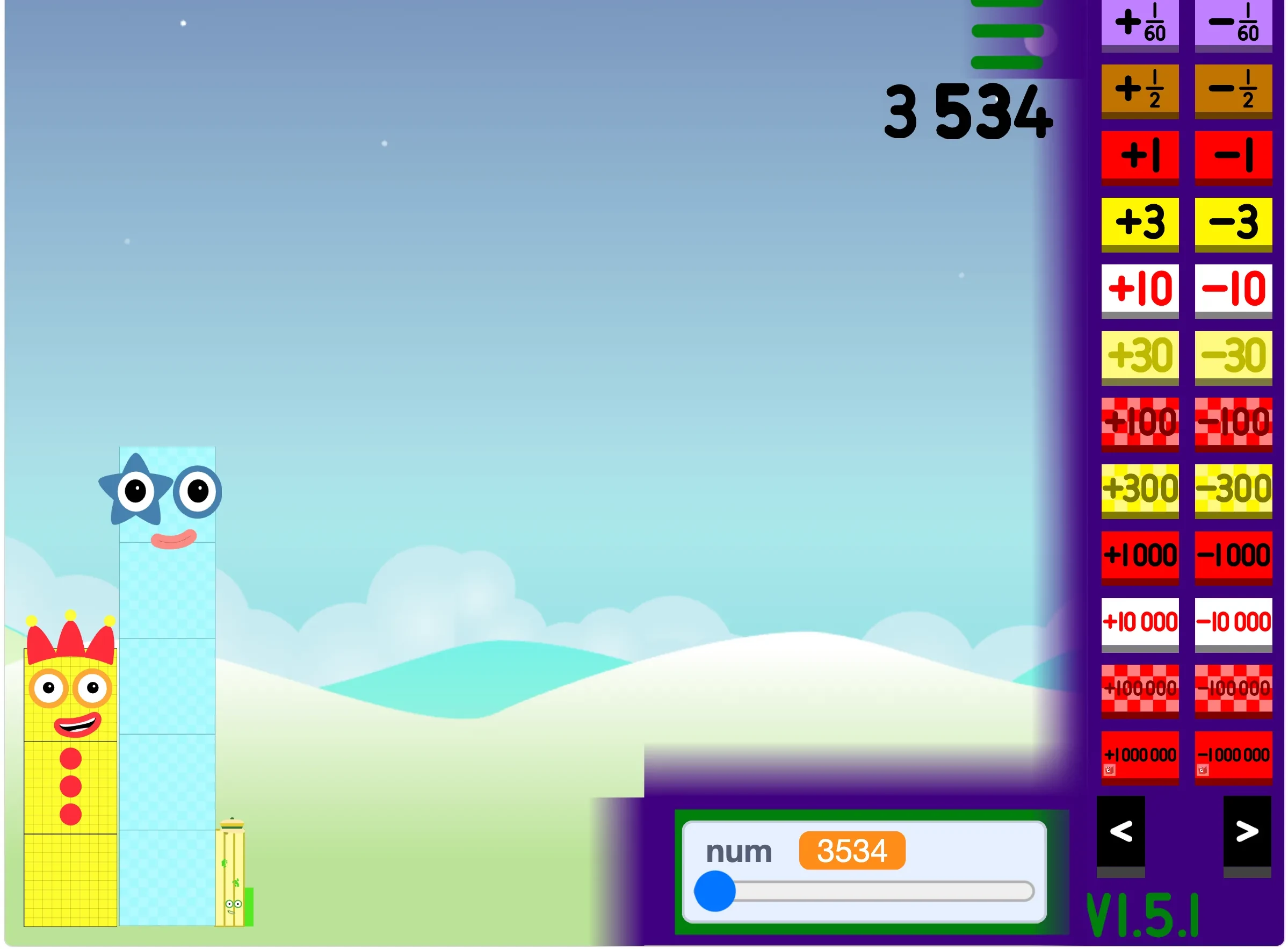
Compare the Main Generator, Classic NBB, 1 to Infinity, Scratch, and Websim from the version cards or the player tabs.

Mobile Friendly
On mobile, the page waits to load heavy iframes until you choose a player. If controls feel small, rotate the phone or open the fullscreen player.
Troubleshooting
Refresh once, then switch versions or open the fullscreen player. If a third-party host is blocked, the local player page is usually the fastest fallback.
School networks, privacy extensions, and browser settings can block third-party players. Open the site player or fullscreen player in a new tab.
Rotate to landscape, close heavy tabs, use the site player, or switch to the main generator if the Websim player feels slow.
Tap the player first, then press Open Fullscreen again. On iOS, open the dedicated player page for more room.
Tap inside the game stage, check the browser tab is not muted, and turn off silent mode before restarting the version.
Dedicated pages
FAQ
Yes. The playable generator versions on this site are free to access in your browser.
No. This is a fan-made playground for finding and playing number-block-style generator projects. It is not affiliated with the official Numberblocks brand, BBC, CBeebies, Alphablocks Ltd, or Blocks Universe.
Start with the Main Generator when you want to build custom Numberblocks, then switch to Classic NBB, Websim, Scratch, or 1 to Infinity for another version.
Yes. Mobile users can use the site player, rotate to landscape, or open a version in a new tab when the player frame feels cramped.
Third-party frames, strict browser blockers, school networks, or slow mobile devices can stop a version from loading. Refresh once, switch versions, disable strict blocking for the page, or open the fullscreen player.
Yes. Use the Open Fullscreen button near the player or open a dedicated fullscreen player page for the selected version.
It is a fan-made style of generator focused on exploring larger numbers, number patterns, and big number block characters.
The Scratch version is a fan-made project. Play through the in-page player for quick access, and have an adult check the original Scratch page, notes, comments, and links before children use it independently.
Numberblocks Generator Scratch refers to Scratch-style projects where creators build interactive number block generators. This site plays one of those projects through TurboWarp for better performance.
Numberblocks Playground Websim is TV10TheCool's 3D sandbox on Websim. Drag blocks, bump numbers to add them, spawn villains, try math operations, and unlock 16 achievements here in your browser.